Features
Everything a project needs, in one place.
Calculate at the bench, plan the build, print the plan, know your wood, and get paid for the work. Each feature is labelled with the build it is in today.
- Core app In the main app build.
- Preview build In preview builds only; not yet approved for the main app.
01 At the bench
Quick Tools
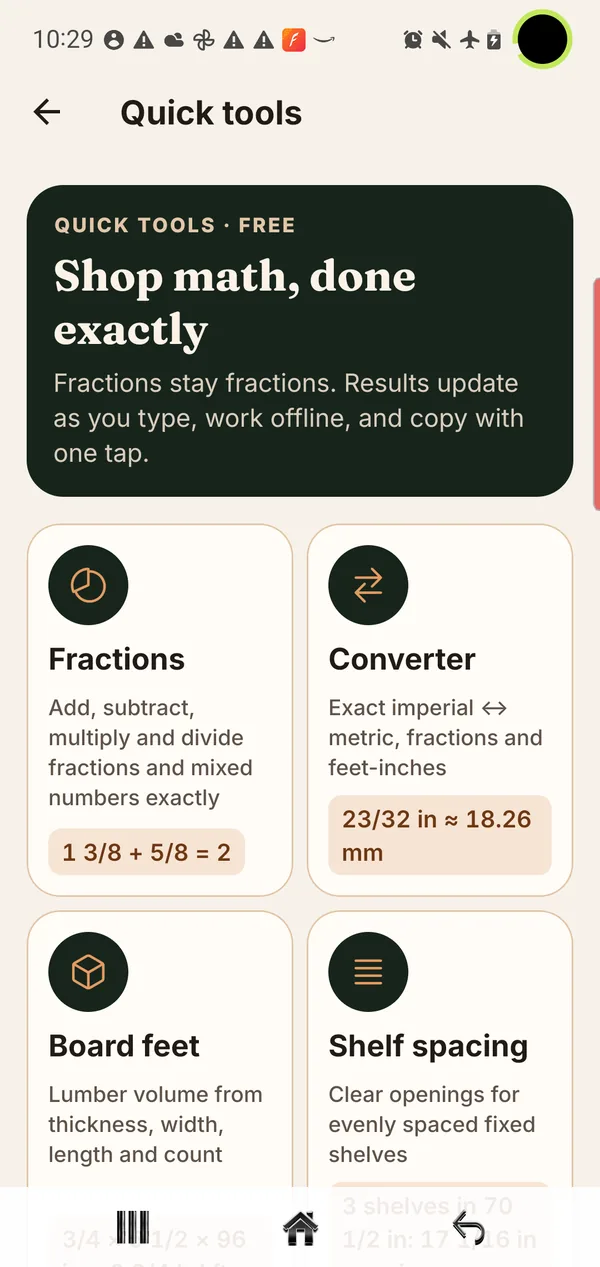
Shop math, done exactly. Work in the fractions on your tape measure; results update as you type and the calculations run on your phone, offline.
- Fractions Core app
- Add, subtract, multiply and divide fractions and mixed numbers exactly.
- Converter Core app
- Exact imperial and metric conversion, including fractions and feet-and-inches.
- Board feet Core app
- Lumber volume from thickness, width, length and count.
- Shelf spacing Core app
- Clear openings for evenly spaced fixed shelves.
02 Before the first cut
Project Planning
Set your dimensions and BenchHand works out the parts: an exact cut list, a dimensioned drawing, materials and an estimate, with every revision kept on your phone.
- Bookcase Core app
- Fixed-shelf bookcase: cut list, dimensioned on-screen drawing, materials and cost, customer estimate and revision history.
- Cutting Board Preview build
- Straight-strip board: cut list and drawing, estimates, revisions and Build Mode.
- Keepsake Box Preview build
- Overlay-lid box: six-part cut list, top, front and side drawings, estimates and Build Mode.
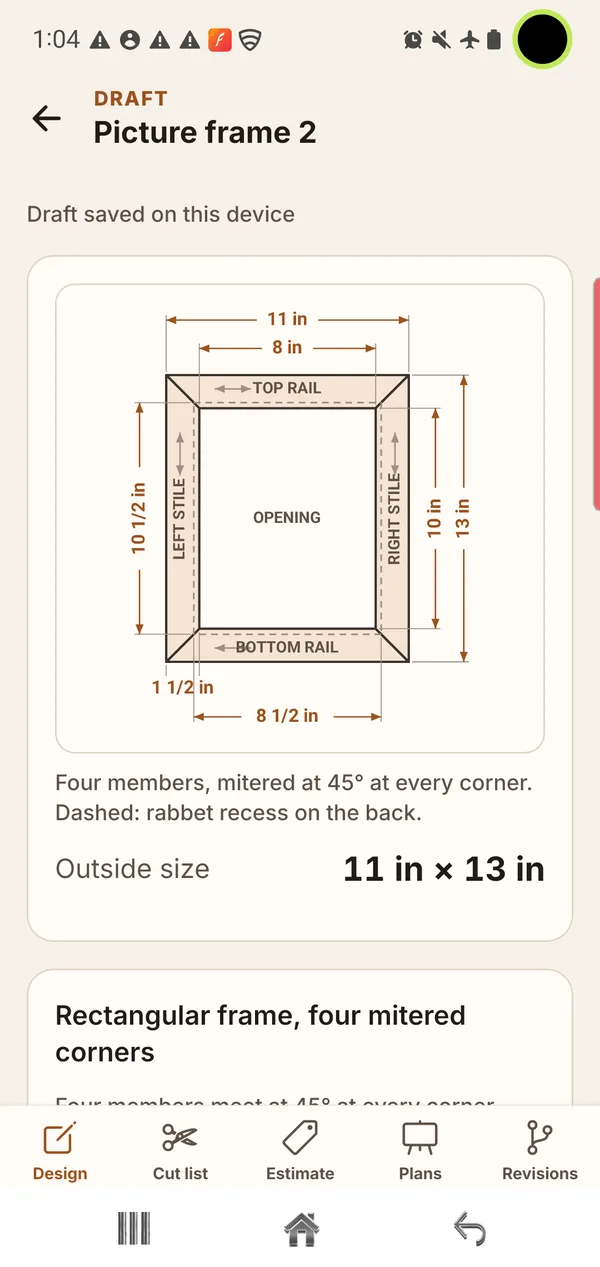
- Picture Frame Preview build
- Mitered rectangular frame: four-part cut list, estimates, Build Mode and printable plans.
Cutting Board, Keepsake Box and Picture Frame are in preview builds only. Each reaches the main app only after it passes its own release review. Keepsake Box and Picture Frame are still awaiting a human woodworking review.
03 For the shop wall
Printable Plans
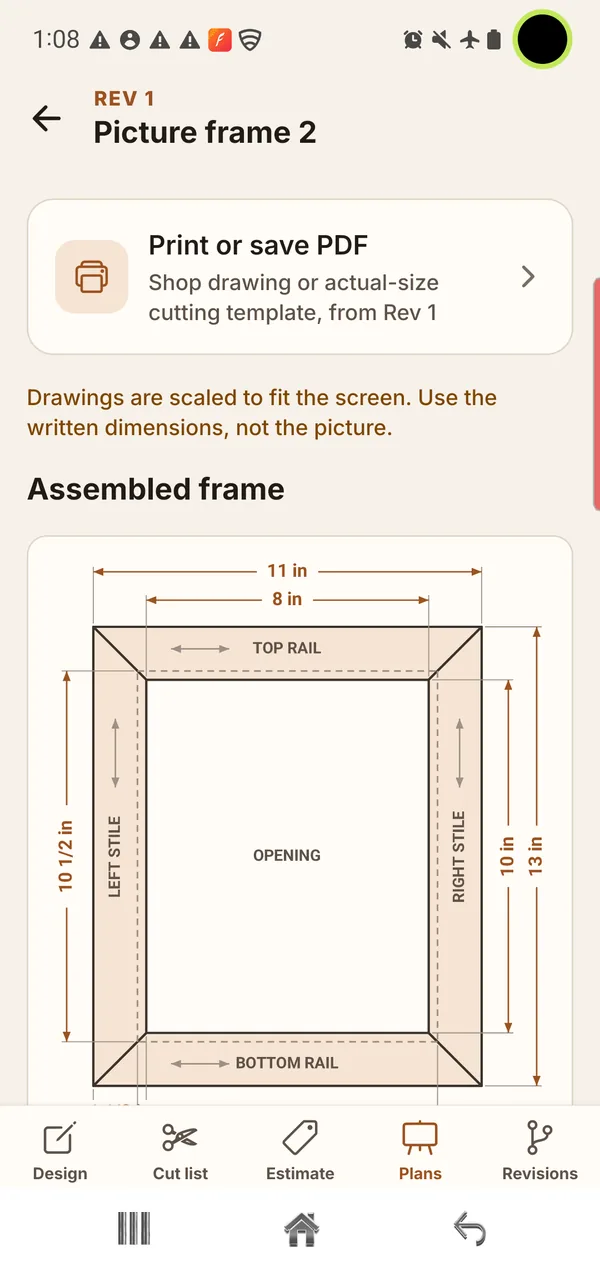
Picture Frame projects can be printed or saved as PDFs: a dimensioned shop drawing to work from, and a separate actual-size cutting template. Other projects show their dimensioned drawings on screen.
- Shop drawing PDF Preview build
- Two-sheet dimensioned drawing, clearly marked “not actual size”.
- Actual-size cutting template Preview build
- Full-size template for the rails and stiles, with calibration square and rulers, a page map and registration marks.
- Letter or A4 Preview build
- Portrait or landscape, printed at 100% / Actual size.
Printable plans are a Picture Frame feature in preview builds. Bookcase, Cutting Board and Keepsake Box do not produce printable plans or templates. Exact print calibration is still being checked.
04 Know your shop
Workshop
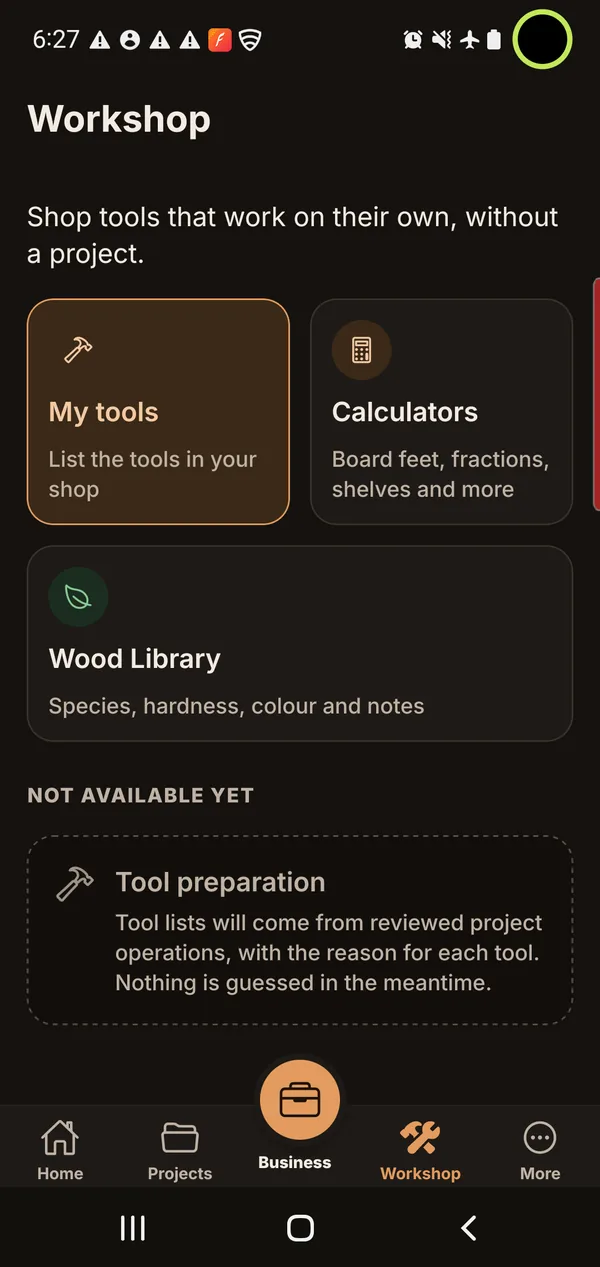
Shop tools that work on their own, without a project: a reference library of wood species, quick calculators, and a list of the tools you own.
- Wood Library Core app
- Browse, search, filter and compare wood species, with bundled reference content and imagery.
- My Tools Preview build
- Keep a list of the tools in your shop.
05 When the work is sold
Business
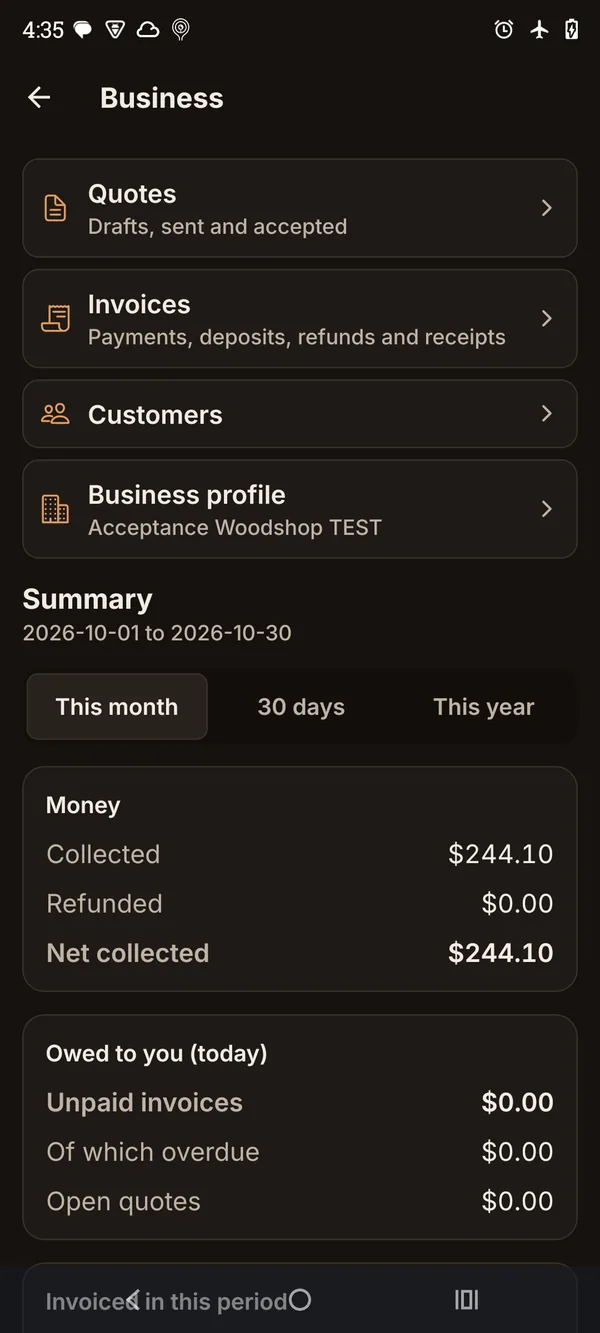
For woodworkers who sell what they build: customers, quotes, invoices and payments in one place, with documents generated as PDFs on your phone.
- Customers and business profile Preview build
- Customer details and your business profile, including your logo on documents.
- Quotes Preview build
- Quotes built from a project revision, keeping your internal costs off the customer’s copy. Mark them accepted or declined.
- Invoices and payments Preview build
- Invoices, deposits, payments, refunds, credit notes and receipts.
- PDF documents Preview build
- Generated on the phone, then saved, shared or printed through Android.
- Dashboard Preview build
- Summaries of money collected and owed for a month, 30 days or a year.
Business is in preview builds only and is not yet approved for the main app.
What “beta” means here
BenchHand is a pre-beta Android app and is not yet on Google Play. “Core app” features are in the main build. “Preview build” features are implemented and shown here from real screens, but each one reaches the main app only after it passes its own release review. Everything here may change before a wider release.
Android beta
The Android beta is being prepared.
There is no public sign-up yet. When invitations open, how to take part will be posted on the beta page first.