Hobby woodworkers
Get the fractions right, plan the piece and take an exact cut list to the saw.
BenchHand is an Android app for planning woodworking projects: exact fraction math, cut lists and dimensioned drawings, all on your phone and offline. Preview builds add more project designers, printable Picture Frame plans, and quotes and invoices for the work you sell.
Android beta in preparation
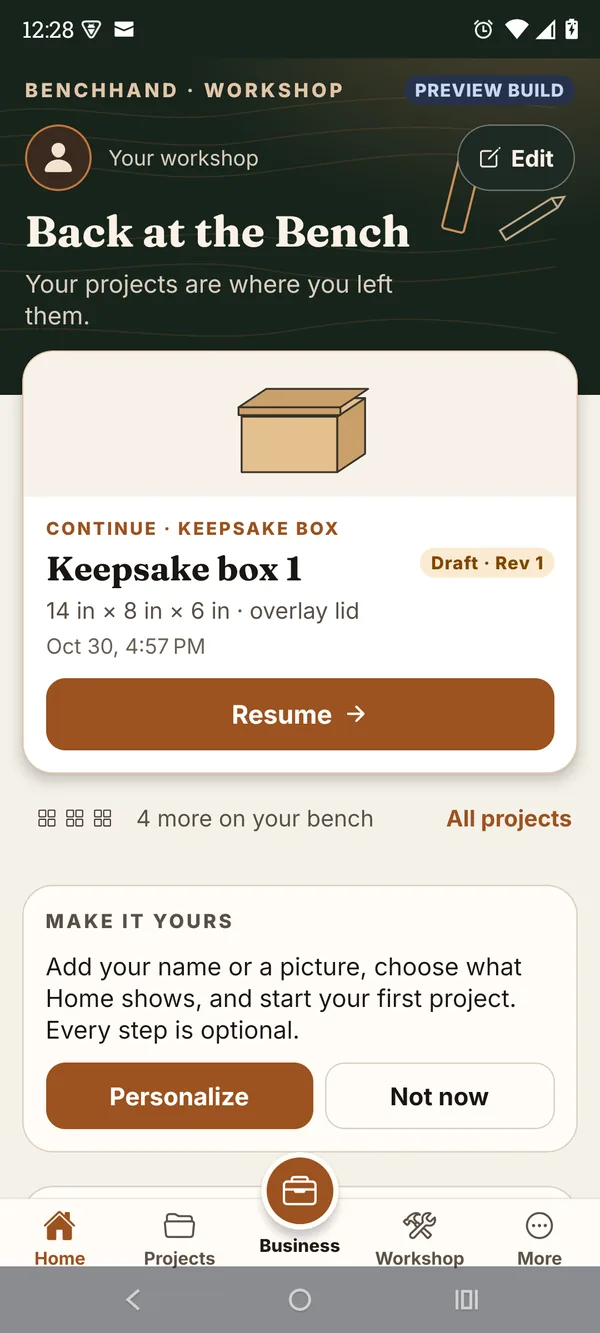
One app for the whole job
A single project can mean a calculator, a notebook, a spreadsheet and an invoicing app. BenchHand keeps the numbers in one place, from the tape measure to the customer. Steps marked Preview are in preview builds.
On your phone, not in the cloud
Every calculation and design runs on your phone. No connection is needed.
There is no sign-in, cloud sync or remote database.
No analytics, crash-reporting service, advertising or tracking.
Projects and records stay on the phone unless you export or share a file yourself.
Who it is for
Get the fractions right, plan the piece and take an exact cut list to the saw.
Price a planned piece and, in preview builds, turn it into a quote and then an invoice.
Keep projects, customers and payments for a small shop together on one phone.
Inside the app
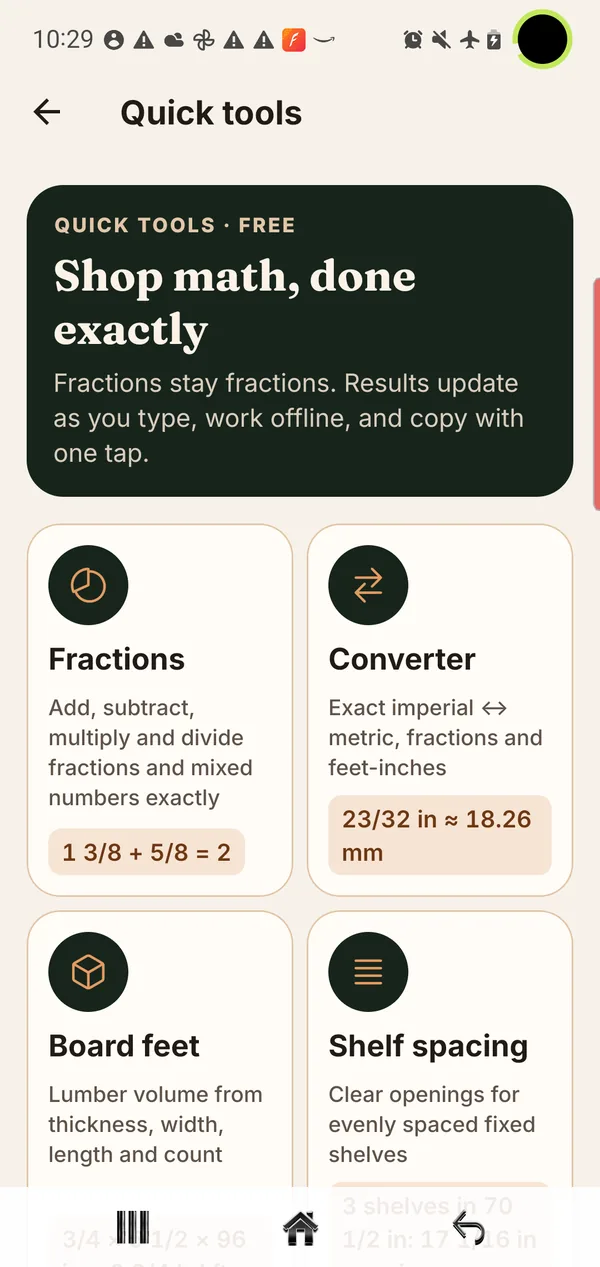
At the bench
Shop math, done exactly. Work in the fractions on your tape measure; results update as you type and the calculations run on your phone, offline.
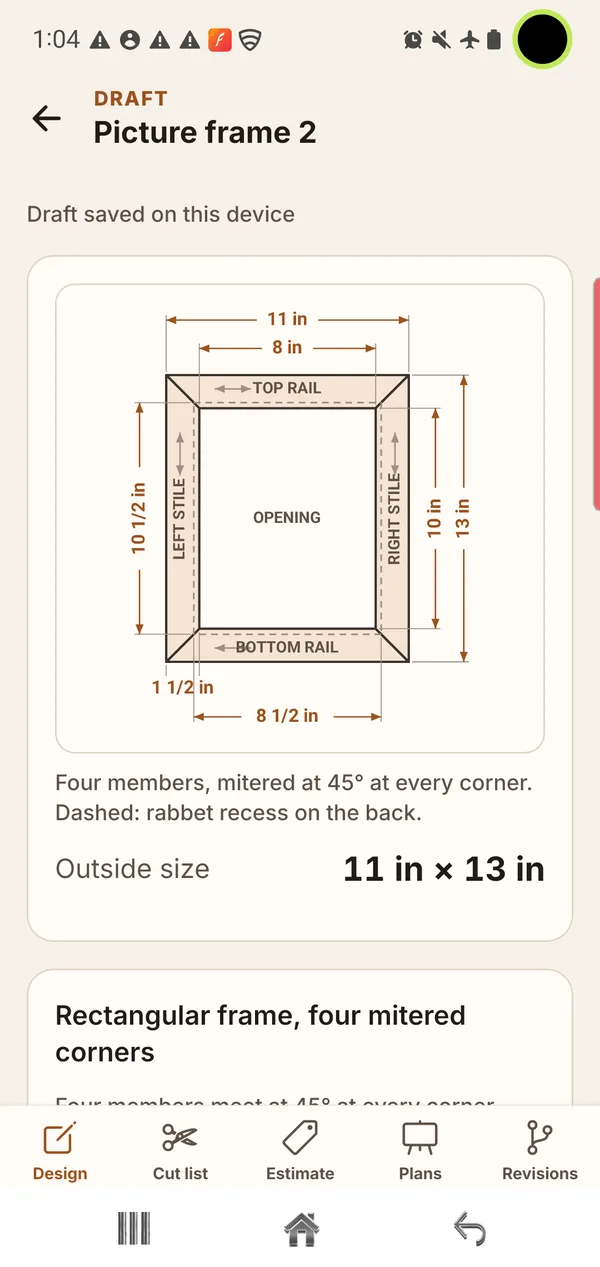
Before the first cut
Set your dimensions and BenchHand works out the parts: an exact cut list, a dimensioned drawing, materials and an estimate, with every revision kept on your phone.
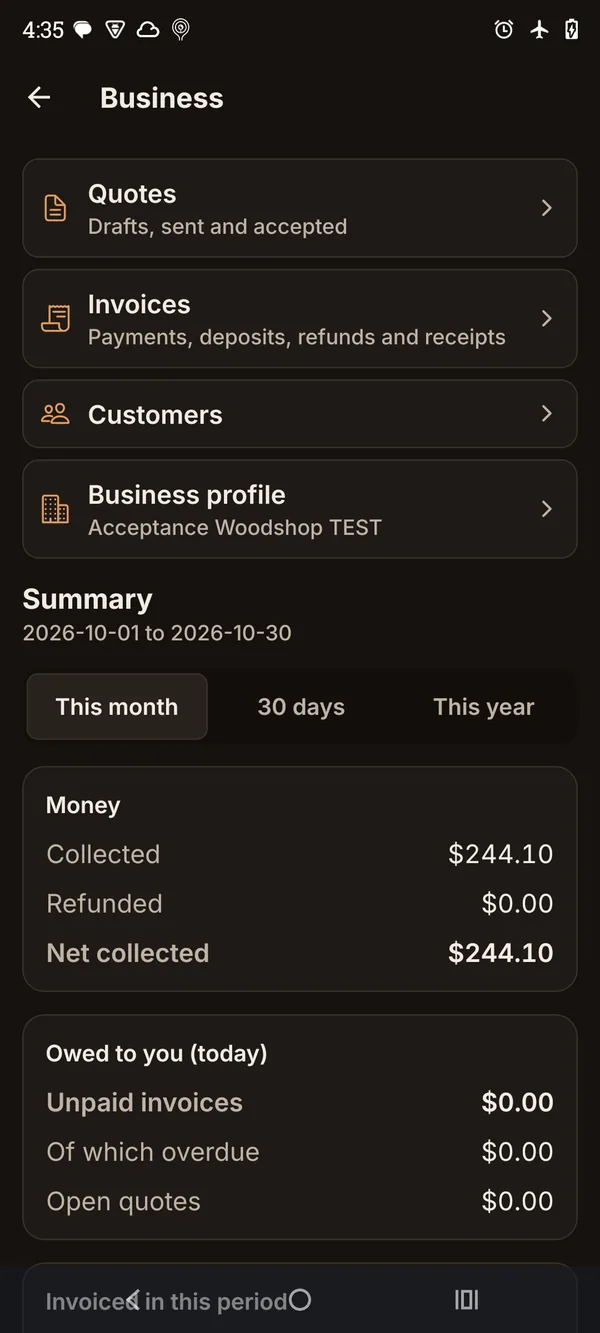
When the work is sold
For woodworkers who sell what they build: customers, quotes, invoices and payments in one place, with documents generated as PDFs on your phone.
Printable plans · Preview
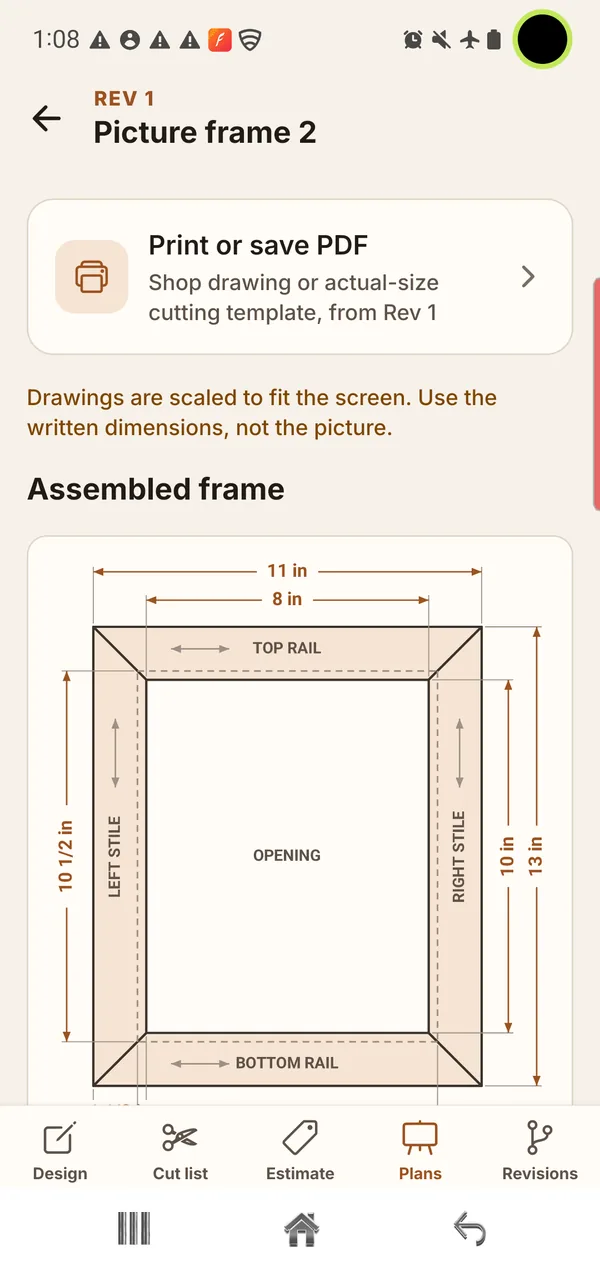
In preview builds, a Picture Frame project prints or saves as two PDFs: a dimensioned shop drawing marked “not actual size”, and a separate actual-size cutting template with a calibration square and rulers.
Other projects show their dimensioned drawings on screen. They do not print plans or templates.
Free on the web
Android beta
There is no public sign-up yet. When invitations open, how to take part will be posted on the beta page first.